Five paper colors
Yellow, rose, mint, blue, and lilac. Links take a deeper shade of the same paper, so a note stays one color.
 tuck
tuck
The panel on an Omarchy desktop
Open the interactive panel

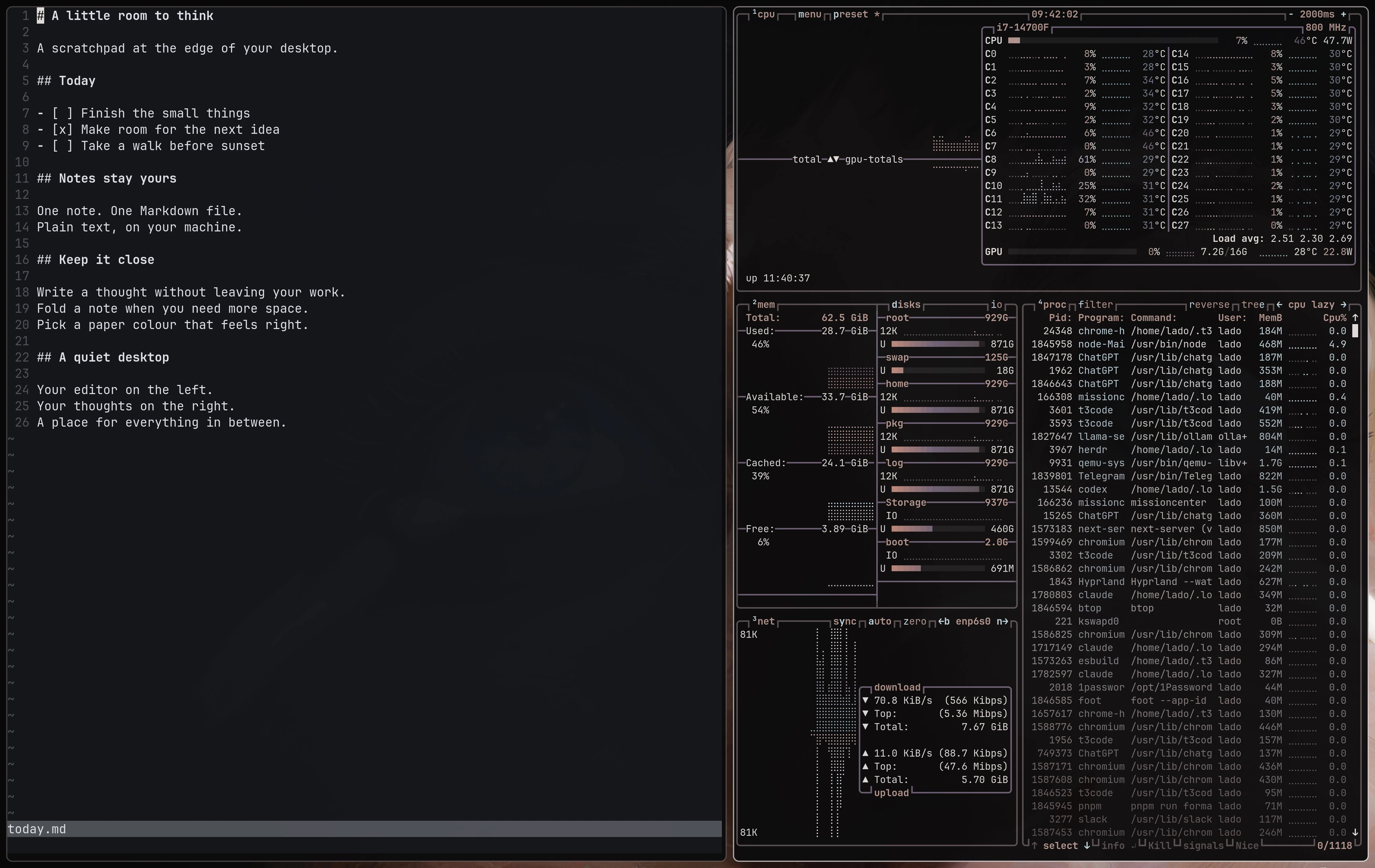
One note, one local Markdown file.
Plain Markdown. Local files. Easy to read, edit, and organize with the file tools your agents already use.
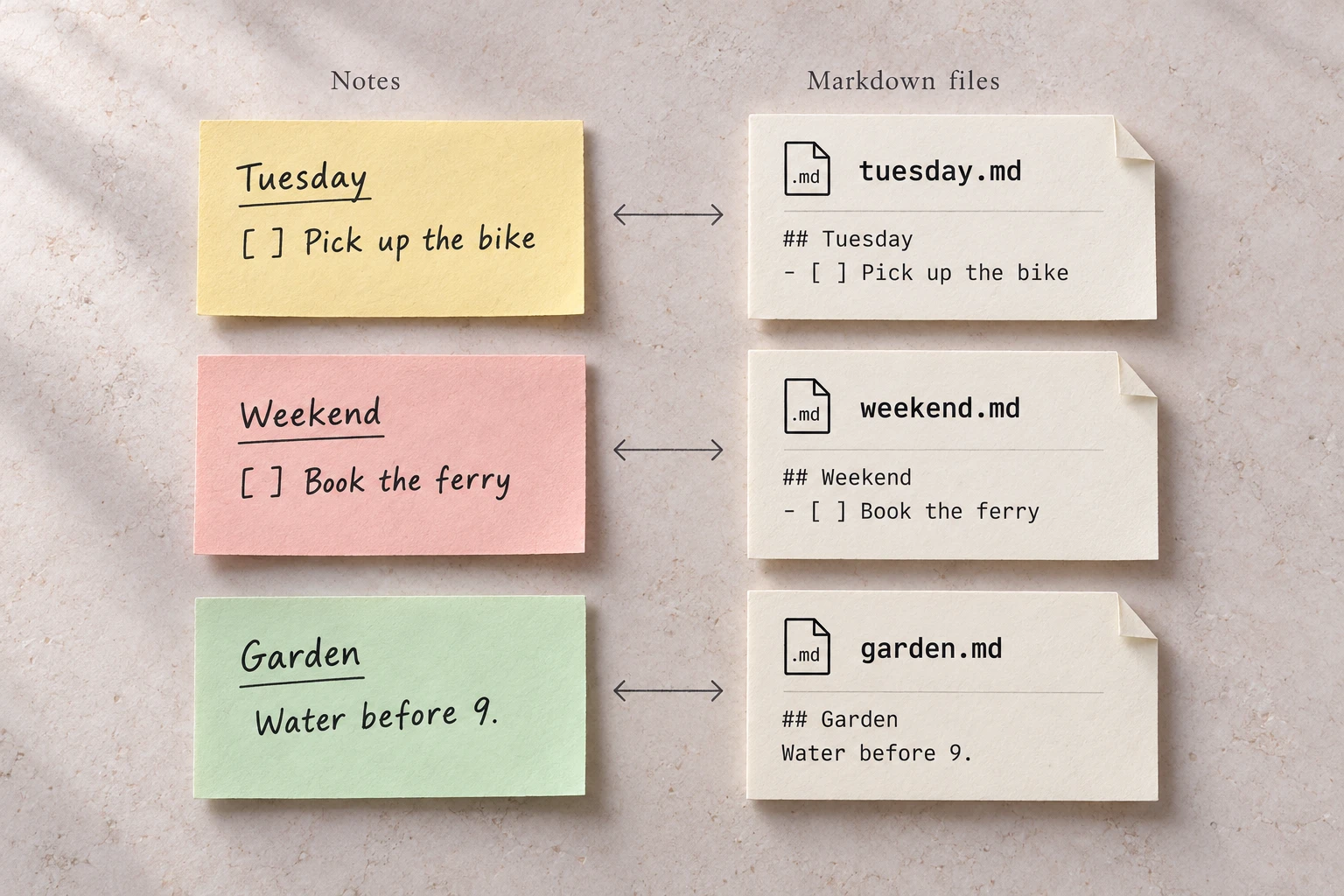
You type Markdown. The panel shows paper.
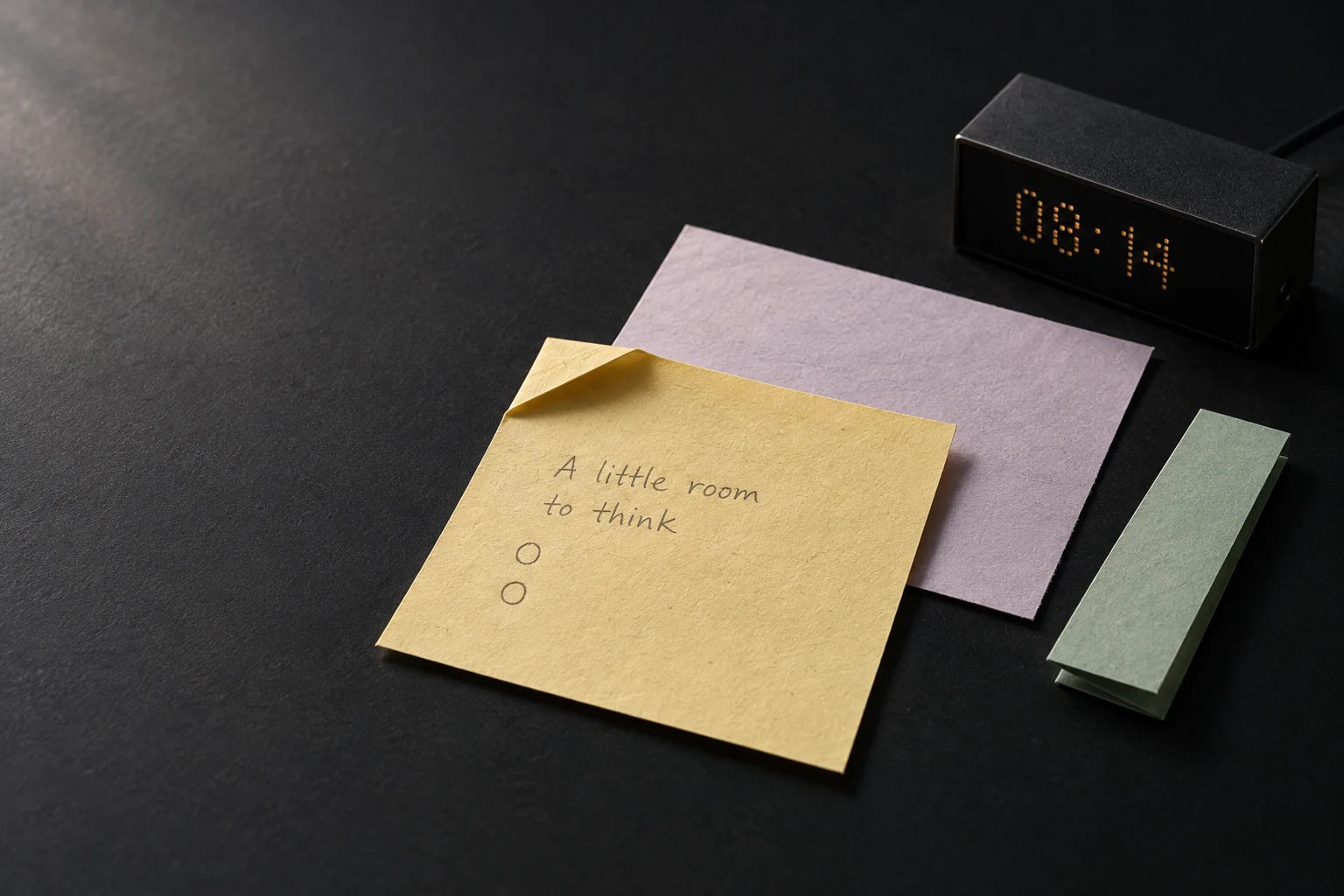
Yellow, rose, mint, blue, and lilac. Links take a deeper shade of the same paper, so a note stays one color.
A line that starts with [ ] gets a circle. Tick it, and the text gets a strike. Enter continues the list.
Select text and press Ctrl+B. Web addresses become links on their own.
The turned corner folds a note down to its first line, with a darker sheet under it. Click the folded note to open it.
The copy action puts the whole note on the clipboard as rich text, with a plain-text copy that keeps list markers and task states.
Alt+N adds a note. Alt+K and Alt+J move it up or down. Alt+1 to Alt+5 change the paper. Alt+W deletes the note you are in.
Choose widgets from the marketplace and add them to your sidebar. Keep clocks, weather, music, video, and tasks beside your notes.
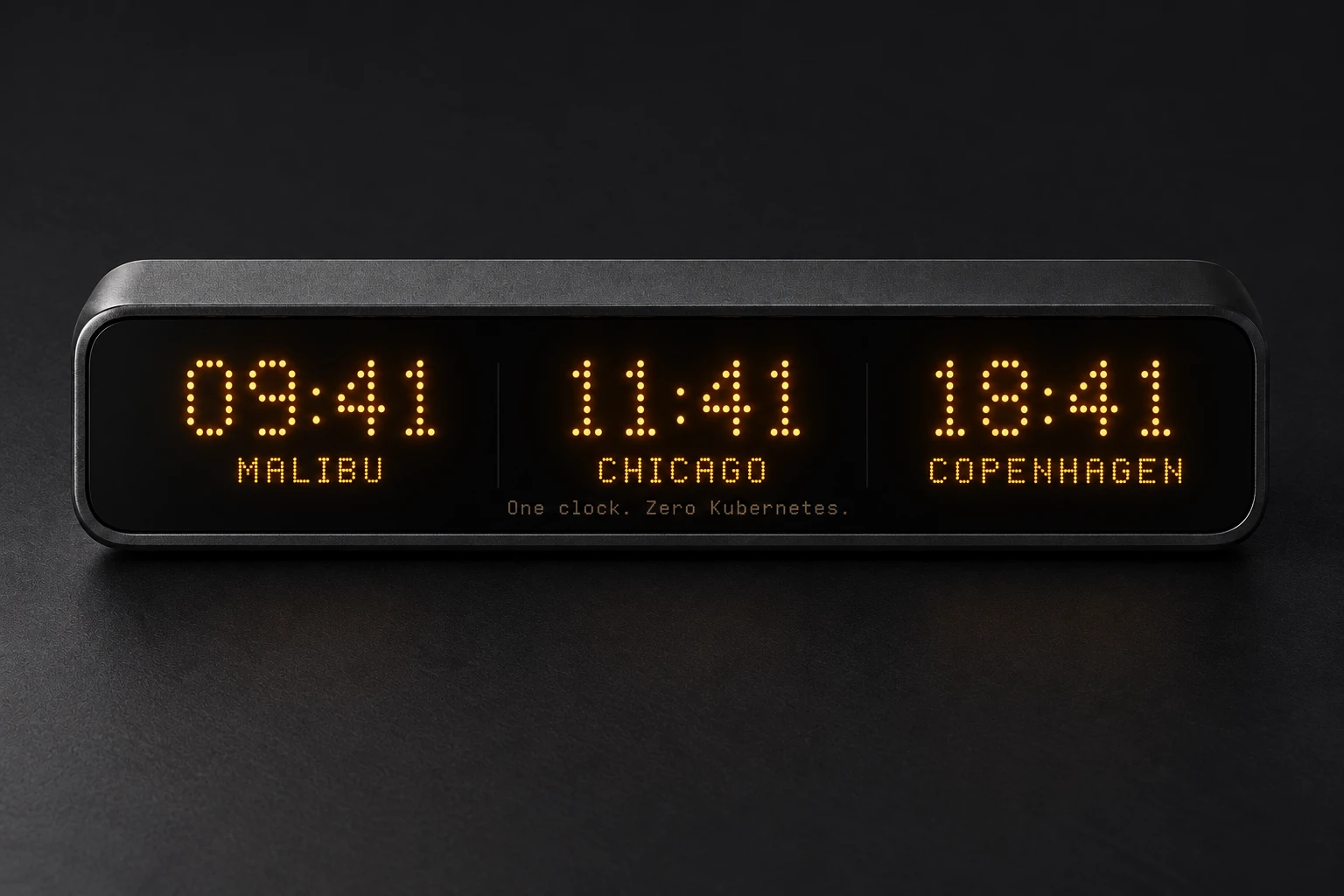
Up to twelve places on one amber dot-matrix display. Daylight-saving time comes from the local zone database. No network.
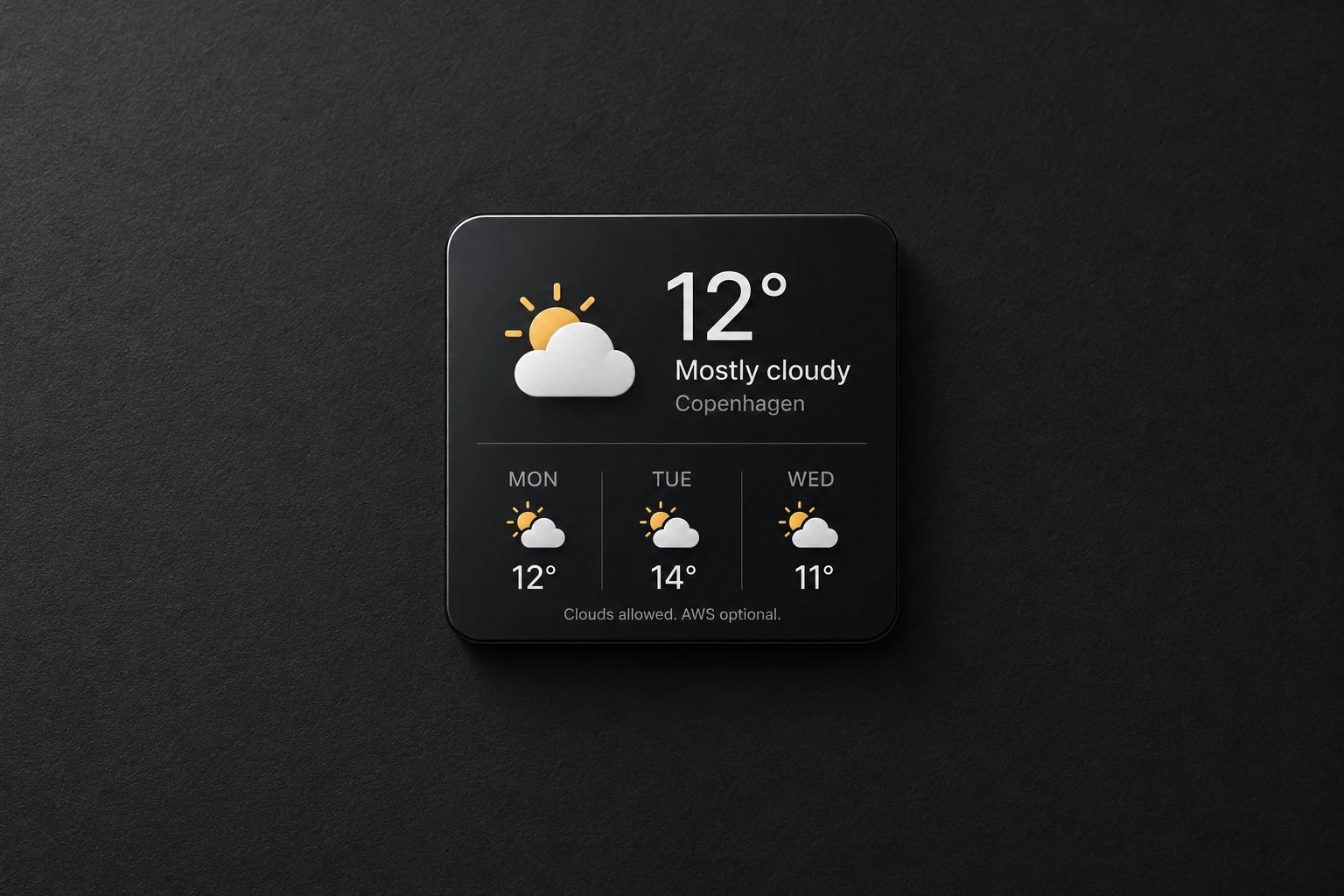
Choose a city for current conditions and a three-day forecast from Open-Meteo. No GPS or location guessing.
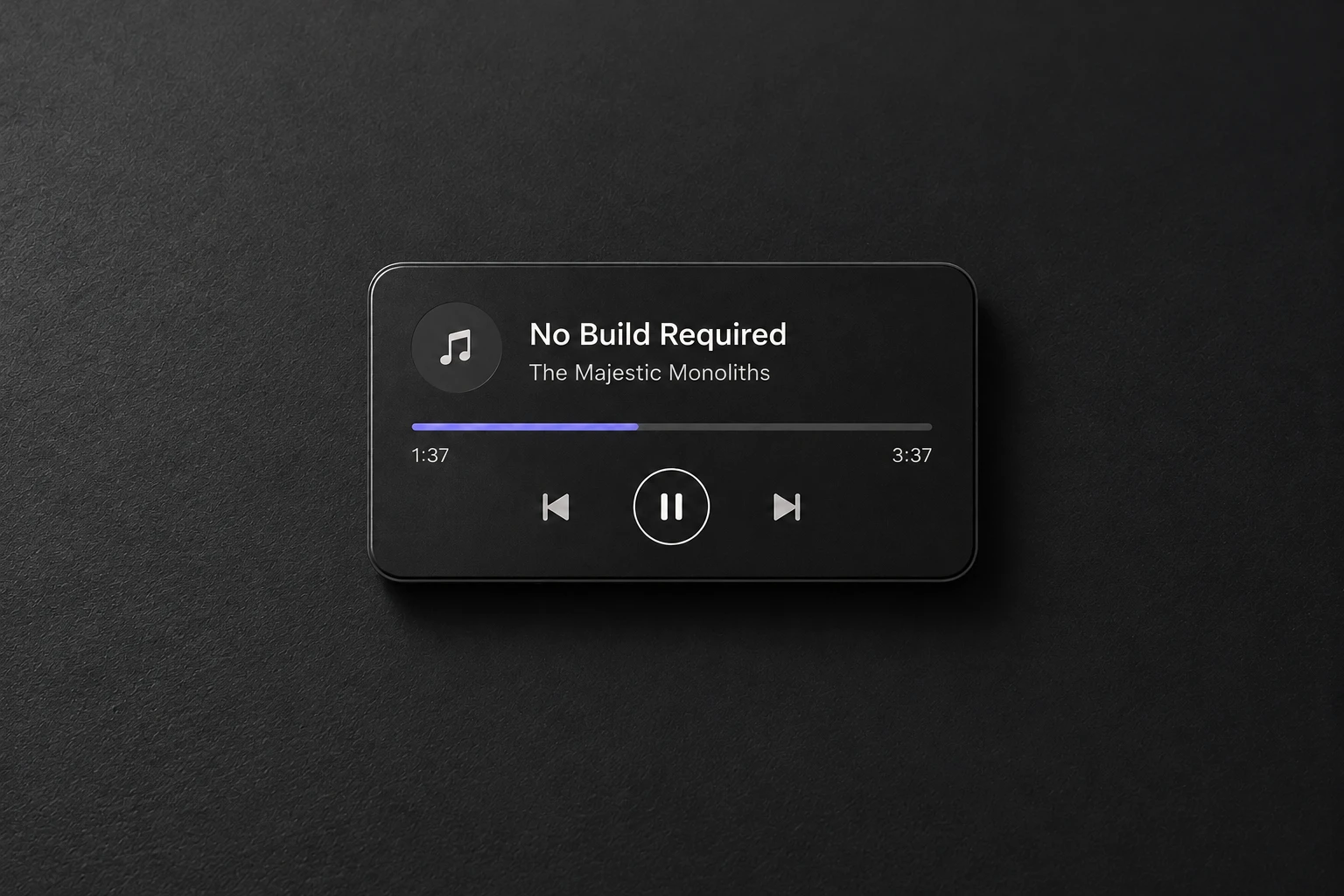
Control the Spotify desktop app through its local player interface. No account login, network, or artwork download.
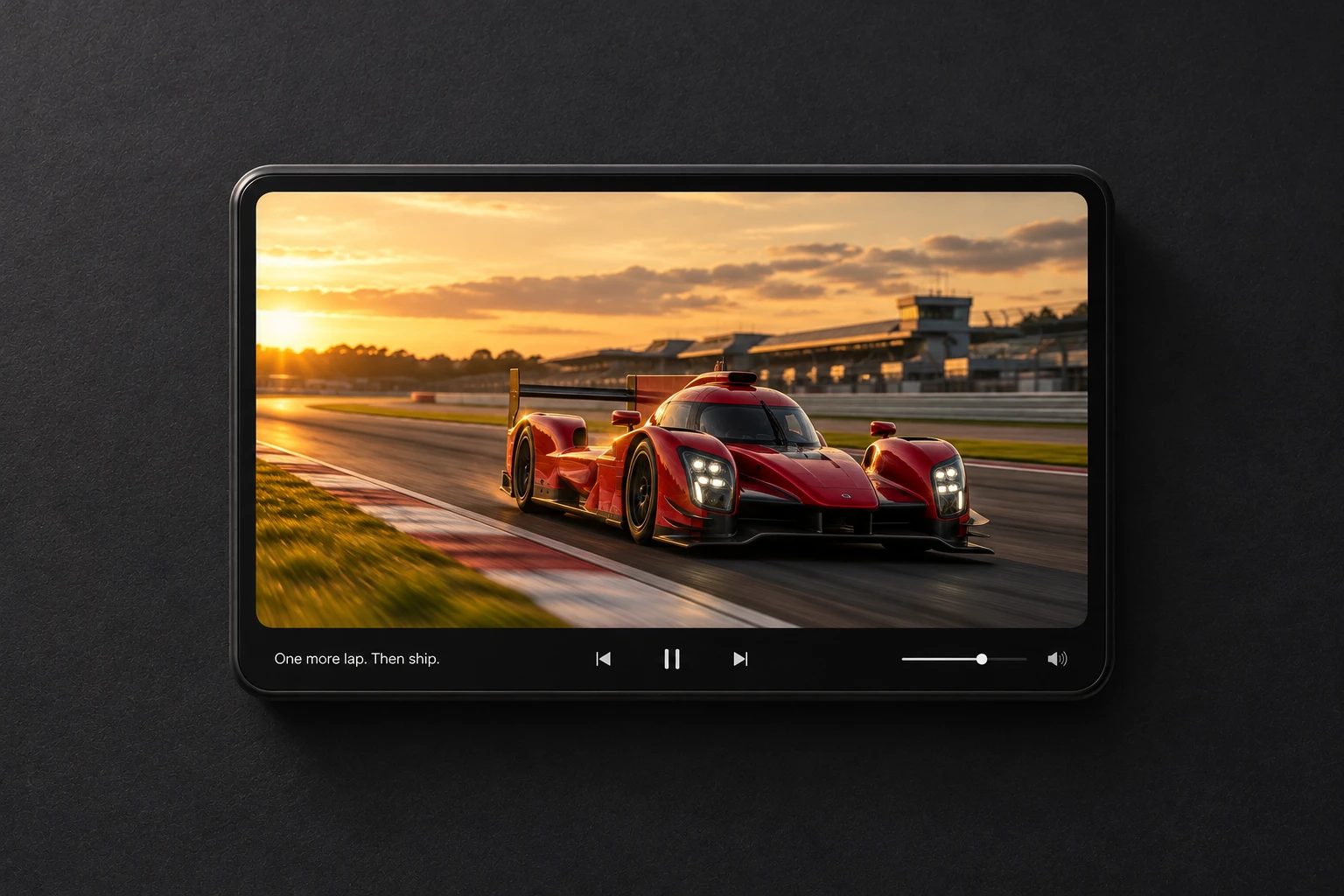
Dock native picture-in-picture from Chromium. Requires the browser extension and local bridge; the browser handles video, audio, and controls.
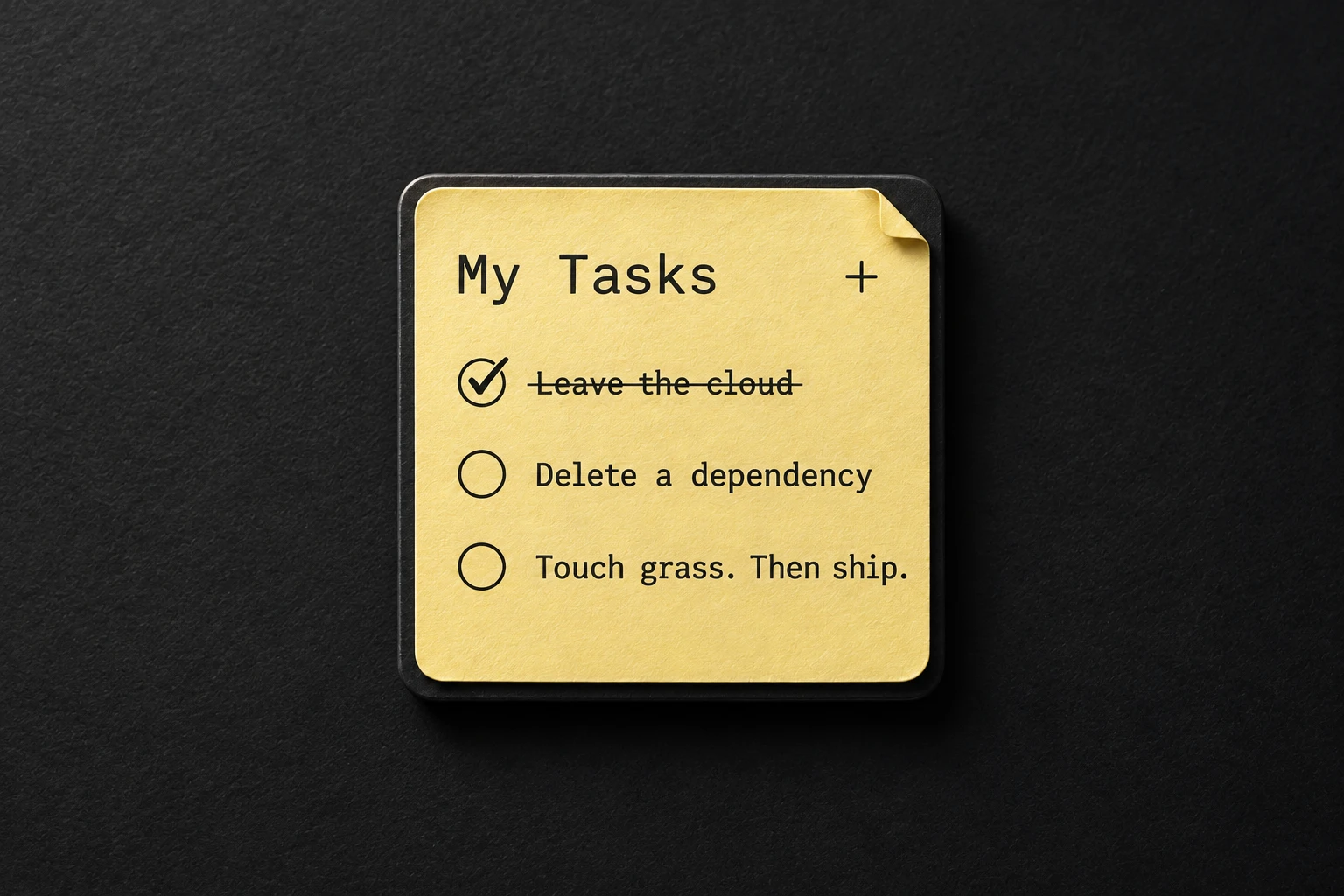
Your default My Tasks list beside your notes. Requires your own Google OAuth client; the token stays in the desktop keyring. Off until configured.
The plugin runs inside Omarchy Shell. The repository is private, so the command works only when your Git credentials can read it.
python-pyside6 package.omarchy plugin add https://github.com/lumberman/omarchy-sidepanel --enable
Without access, Git stops with an authentication error and nothing is installed. There is no public download.
From the plugin folder, run ./scripts/install-video-bridge --browser chromium. Then load the browser-extension folder as an unpacked extension. The extension acts only when you click its icon.
Create a Google Desktop OAuth client of your own and install libsecret. Then run ./scripts/configure-google-tasks with the downloaded client file. Connect from the card picker.